An Overview of Canvas
Canvas is our Learning Management System (LMS) at Chaffey College. For most of you, this comes as no great surprise. Yet, there may be a few of you who are returning to school or who have worked with other software. So, it's worth a little refresher for anyone who needs it (or an orientation for those who are new to the world of online learning.)
While each of your classes may look a bit different depending on your instructor's design, there are many functions and features that are standard in all Canvas sites. Here some tools to help you get started or to answer questions you may have about using Canvas.
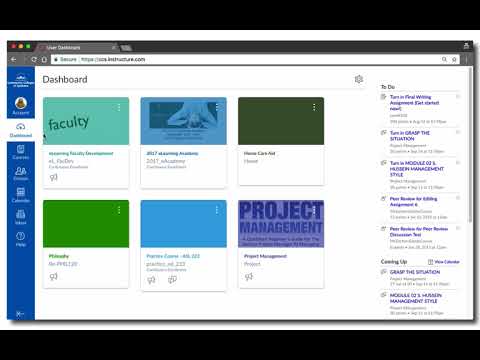
This video is a great overview of Canvas.
All videos are closed captioned and transcript enabled. To view the closed captions, click on the icon at the bottom of the video. To watch videos in full-screen mode, click on the at the bottom of the video.
The is also a link on the course menu on the left side of your screen that links to an online Canvas Student Guide website that has step-by-step guidelines on how to use Canvas.